Change a condition while reading
One more friend joins the dinner gathering. Do you ask for the shopping list again, or change the headcount inside the answer? The useful interaction is adjusting a condition while reading its explanation.
A small control in the public demo
OpenAI’s October 7, 2026 Intelligent UI announcement includes a dinner-planning demo with guest-count buttons and shopping quantities. GPT-6 arranges text, visuals and controls around the question. Plain text remains an option. [1]
Where rollout begins
Chat rollout starts October 7 for Plus, Pro, Business and Enterprise, expanding to Free and Go on October 8. Enterprise also depends on administrator settings. This is a rollout schedule, not confirmation for every account. [1]
Same name, different release scope
Chat gets the October versions. Work and Codex retain previously released versions. The shared GPT-6 name does not give those experiences the same update. [2]
A fictional one-bottle-each picnic
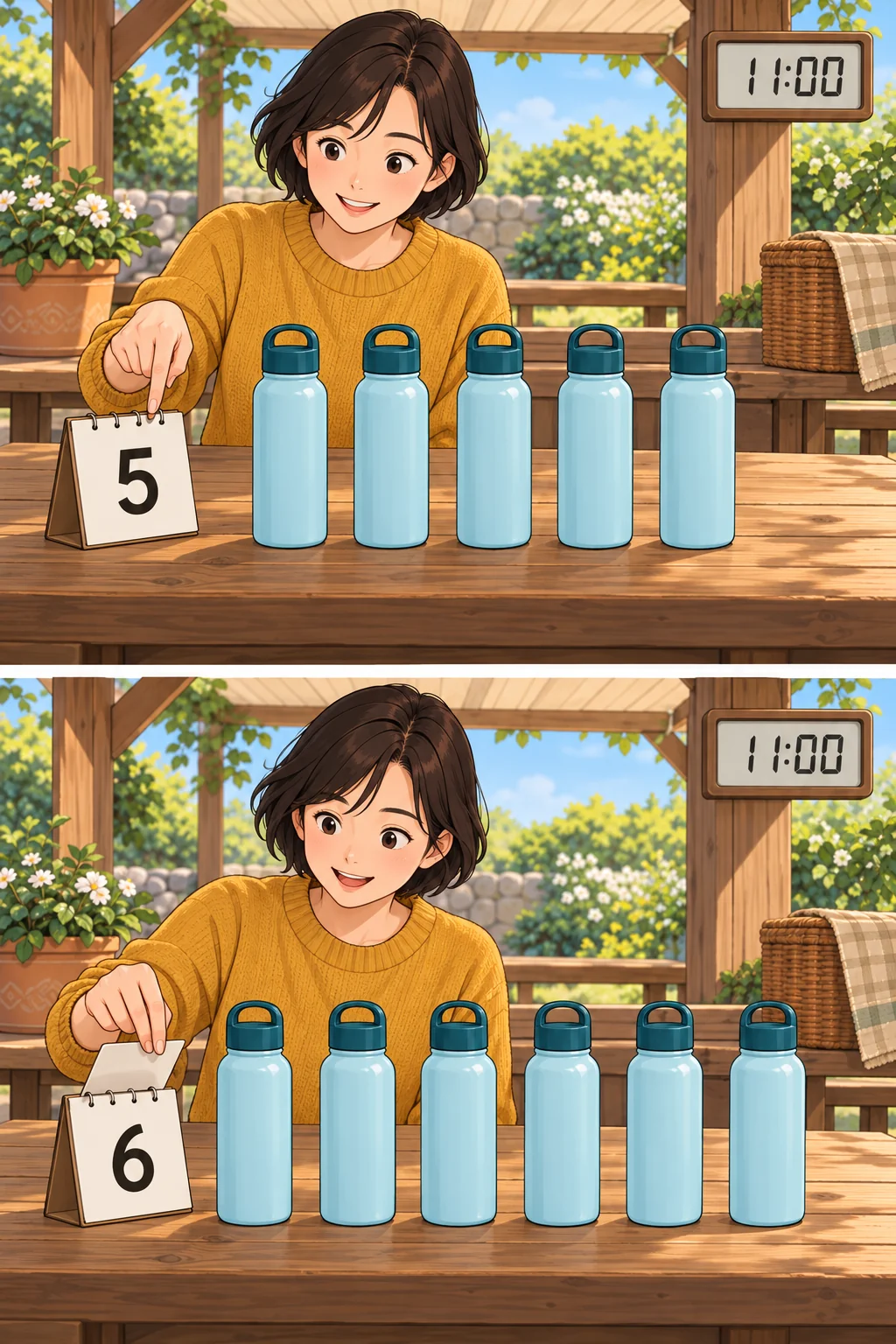
V’s fictional picnic plan uses one water bottle per person. Changing five people to six changes five bottles to six. This example keeps departure fixed at 11 a.m. Read which fields depend on the headcount and which conditions remain fixed.
What a moving display still needs
A responsive button does not validate the starting quantity or calculation rule. Check the source and update time to establish freshness. A changing display alone cannot prove arithmetic accuracy or a live data connection.
Text and keyboard access too
The existing Visualizations guide recommends text summaries, data tables, keyboard controls and non-color cues. That guidance is not an accessibility validation of the new Intelligent UI. [3]
V’s view
V expects this format to help particularly with questions that benefit from changing conditions. The useful answer lets readers inspect both the moving value and the reason behind it.